Email Follow-Ups for Recruiters: Keep Candidate Communication on Track
Recruiters often have multiple candidates moving through the hiring process at the same time.
One candidate needs to schedule an interview. Another needs to send a missing document. Someone else needs to complete an assessment before a deadline.
Keeping track of every conversation and remembering when to follow up can quickly become time-consuming.
With ConvaMail, recruiters can create email sequences for recurring hiring workflows and use those sequences in campaigns. Each sequence can include multiple emails, delays, and conditions that determine what happens next based on candidate behavior.
Instead of manually tracking every candidate and remembering when to send the next email, recruiters can create repeatable workflows and let ConvaMail handle the follow-ups according to the rules they've set.
Confirm interview availability
Interview scheduling is a straightforward example of a workflow that can benefit from an email sequence.
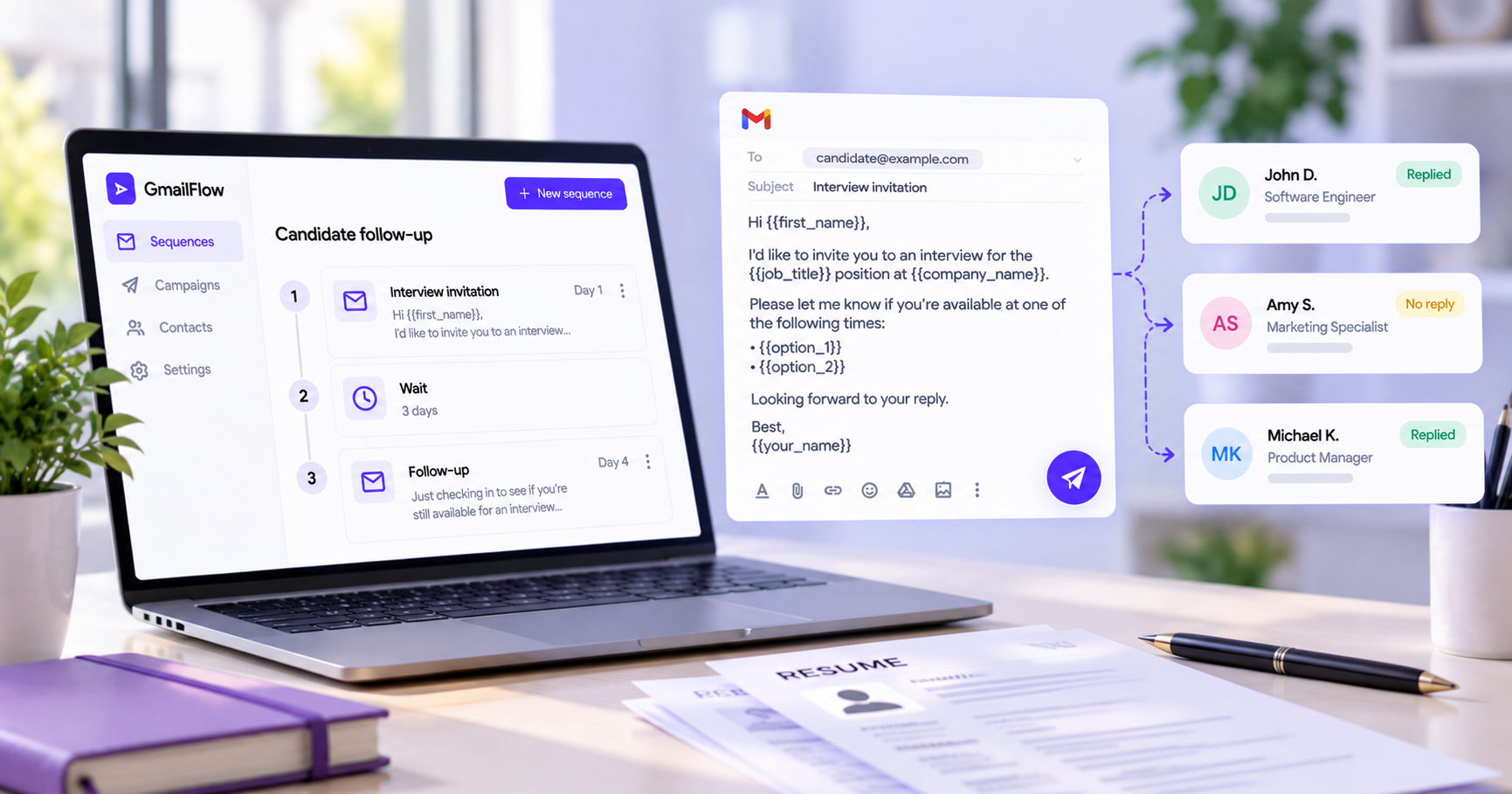
A recruiter can send an interview invitation with a scheduling link and ask the candidate to reply once they've selected a time. If the candidate doesn't reply, ConvaMail can send a follow-up automatically.
Example sequence
Email 1 — Interview invitation
Hi {{first_name}},
We'd like to invite you to an interview for the {{role}} position.
Please use the link below to choose a time that works for you:
{{interview_link}}
Once you've scheduled your interview, please reply to this email to confirm that everything is set.
Best,
Sarah
Condition — Candidate hasn't replied
After your chosen delay, ConvaMail can send a follow-up if the candidate hasn't replied.
Email 2 — Follow-up
Hi {{first_name}},
Just following up to see if you've had a chance to choose an interview time.
If you've already scheduled your interview, please reply to this email to confirm that everything is set.
If not, you can use the link below to choose a time:
{{interview_link}}
Best,
Sarah
Once the candidate replies, the sequence can follow the rule you've configured for replies.
This creates a simple workflow where candidates who haven't responded receive a reminder, while candidates who confirm their interview can move out of the follow-up process.
Collect missing candidate information
Recruiters often need additional information before moving a candidate to the next stage.
This could be a portfolio, references, a completed application, or another document.
Instead of manually tracking who still needs to send something, recruiters can create a sequence for the process.
For example, the first email can request a portfolio and ask the candidate to reply with the link. If they haven't replied after a chosen delay, the sequence can send a reminder.
If the candidate replies, the sequence can follow the rule you've configured for replies.
This gives recruiters a repeatable way to handle routine information requests without manually checking every conversation.
Manage assessment deadlines
Assessments are another useful workflow for email sequences.
A recruiter can send assessment instructions, include a deadline, and schedule a reminder for candidates who haven't responded.
For example, the sequence could:
Send the assessment with the deadline and instructions.
Wait for the configured amount of time.
Send a reminder if the candidate hasn't replied.
Follow the configured rule when the candidate responds.
Personalize every candidate email
Recruiters may send similar messages to many candidates, but the emails can still be personalized.
ConvaMail lets you use information from your recipient list in your emails.
For example:
{{first_name}}{{role}}{{interview_date}}{{due_date}}{{interview_link}}{{assessment_link}}
A template such as:
Hi {{first_name}},
Just a reminder that your interview for the {{role}} position is scheduled for {{interview_date}}.
can automatically become:
Hi Emily,
Just a reminder that your interview for the Marketing Manager position is scheduled for October 18.
You can also set default values for missing information, so your emails don't go out with empty fields.
Create the sequence once and reuse it
Once a recruiting workflow is working well, there's no need to recreate it every time.
Create the sequence with its emails, delays, and conditions. Then create a campaign, choose the sequence, select the candidates you want to include, and set the campaign's sending schedule.
The same sequence can be reused whenever that workflow comes up again.
You define what should happen. ConvaMail handles the sequence based on the rules you've set and how each candidate responds.
Keep candidate communication in Gmail
ConvaMail sends emails through your connected Gmail account, so recruiters can continue using the inbox they already know.
Emails are sent from the recruiter's Gmail address and appear in the Sent folder. Candidate replies arrive in the normal inbox.
Follow-ups can also stay in the same email thread, making it easier to see the conversation and previous messages together.
Spend less time tracking candidate communication
Recruiters already have enough to coordinate during the hiring process.
Between scheduling interviews, collecting information, and keeping candidates on track with assessments, routine follow-ups can take up a surprising amount of time.
Email sequences can take care of the repetitive parts.
Create the sequence, define what should happen based on candidate behavior, choose the candidates for your campaign, and let ConvaMail handle the next steps.
Spend less time tracking candidate follow-ups and more time focusing on the people you're hiring.