Email Follow-Ups for Small Business Owners: Spend Less Time Chasing Responses
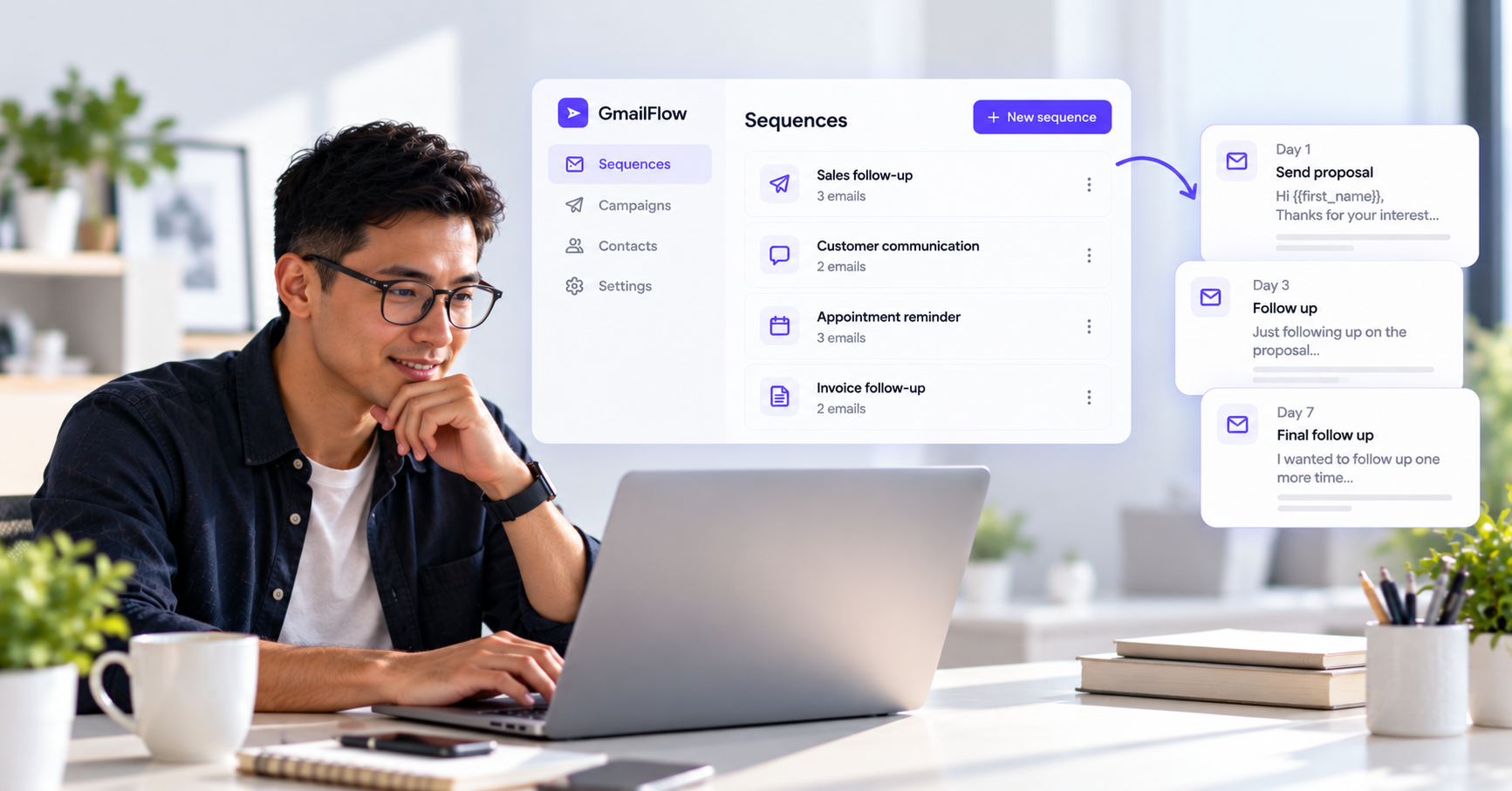
Running a small business means wearing a lot of hats.
You may be handling sales, customer communication, operations, invoices, and projects all in the same day. The last thing you need is another list of emails to remember.
A quote needs a follow-up. A customer still hasn't sent the information you need. Someone promised to get back to you but hasn't replied.
ConvaMail helps small business owners create email sequences for recurring follow-up workflows. Build a sequence once, set when each email should be sent and what happens based on recipient behavior, then reuse it whenever the same situation comes up.
Follow up on quotes and proposals
When you send a quote or proposal, the conversation doesn't always end there.
Potential customers may need time to review the details, discuss the proposal internally, or decide when they're ready to move forward.
Instead of manually remembering which quotes need a follow-up, you can create a sequence for the process.
Example sequence
Email 1 — Proposal
Hi {{first_name}},
Thanks for your interest in working with {{company_name}}.
I've attached the proposal for {{project_name}}. Please take a look when you have a chance, and feel free to reply if you have any questions.
Best,
Sarah
Condition — Recipient hasn't replied
After your chosen delay, ConvaMail can send a follow-up if the recipient hasn't replied.
Email 2 — Follow-up
Hi {{first_name}},
Just following up on the proposal for {{project_name}}.
Let me know if you have any questions or if you'd like to discuss anything in more detail.
Best,
Sarah
Once the recipient replies, the sequence can follow the rule you've configured for replies.
This gives you a consistent way to follow up on proposals without keeping a separate list of who still needs a response.
Request information you need to move forward
Small businesses often depend on customers or clients to provide information before work can begin.
That could be a completed form, project details, documents, an address, product specifications, or other information.
Instead of manually checking who still needs to send something, you can create a sequence that sends a reminder when a recipient hasn't replied.
For example:
Send the initial request.
Wait for the configured amount of time.
Send a reminder if there is no reply.
Follow the configured rule when the recipient responds.
This can be especially useful for recurring processes where you request similar information from customers regularly.
Follow up after a purchase or service
Following up after a customer has purchased from you or completed a service can be useful for more than just checking in.
You can create sequences to:
Ask whether everything went well.
Request feedback.
Remind customers about a follow-up appointment.
Ask customers to provide any remaining information.
For example, after completing a service, you could send a personalized email asking the customer for feedback and then send a reminder if they haven't responded.
The sequence can be reused whenever the same customer workflow comes up.
Personalize every email
Small business owners often send similar emails to many customers, but that doesn't mean every message needs to feel generic.
ConvaMail lets you use information from your recipient list to personalize your emails.
For example:
{{first_name}}{{company_name}}{{project_name}}{{due_date}}{{appointment_date}}
You can also set default values for missing information, so your emails don't go out with empty fields.
Create the sequence once and reuse it
Once you've created a follow-up workflow that works for your business, you can reuse it instead of writing the same emails again.
Create the sequence with its emails, delays, and conditions. Then create a campaign, choose the sequence, select the recipients, and set the campaign's sending schedule.
Whether you're following up on proposals, requesting information, or checking in with customers, the same workflow can be reused whenever you need it.
You define the workflow. ConvaMail handles the follow-ups according to the rules you've set and how each recipient responds.
Keep everything in Gmail
ConvaMail sends emails through your connected Gmail account, so you can continue using the inbox you already know.
Emails are sent from your Gmail address and appear in the Sent folder. Replies arrive in your normal inbox.
Follow-ups can also stay in the same email thread, making it easier to keep the conversation together.
Spend less time chasing responses
For a small business owner, a few minutes spent on one follow-up doesn't seem like much.
But when you're doing it dozens of times every week, those minutes add up.
ConvaMail helps turn recurring follow-ups into reusable email sequences, so you can spend less time remembering who needs a message and more time running your business.
Create the workflow once. Let ConvaMail handle the follow-ups.